By Clint Sanchez · Published · 10 min read
Quick answer
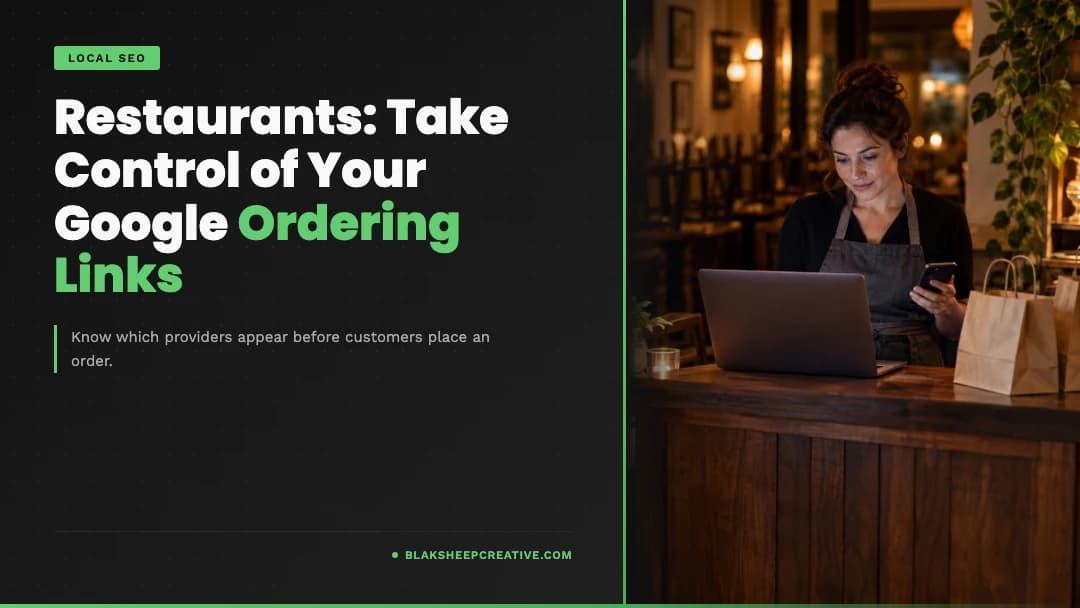
Google Business Profile ordering controls are the settings in the Food ordering section of a restaurant's profile. Owners can turn ordering on the profile on or off, set a preferred provider for pickup and delivery, add custom ordering links, and remove a specific third-party provider. Google says providers must process a removal within 5 business days.
Key takeaways
- Google's Lisa Landsman announced on LinkedIn that restaurants can now manage and opt out of specific ordering providers from their dashboard, as reported by Search Engine Roundtable on October 28, 2026.
- Turning off Accept orders on your profile hides your ordering options. It does not remove only one provider.
- Setting a provider as preferred does not turn the other providers off.
- Removing a link is a request. Google says providers have 5 business days to process it.
- Hiding a delivery app on Google does not cancel your contract or account with that app.
- Record order counts and costs by source before you change anything, so you can judge the result.
If you run a restaurant, you have probably seen a delivery app listed on your Google profile that you never set up, or a link that sends hungry customers to a location you closed last year. Customers trust what they see on Google, so a wrong ordering link costs you the order and the goodwill.

Want this handled instead of DIY?
A 15-minute call, no script, no pressure. You leave with a plan either way.
Google Business Profile ordering controls got more direct in October 2026. Restaurant operators can now opt out of specific third-party ordering providers from their own dashboard, instead of asking each delivery app to pull its link. That helps when an unwanted or outdated provider shows up on Search or Maps. One caveat matters: Google says providers have up to 5 business days to process a removal request.
What Are Google Business Profile Ordering Controls?
We manage Google Business Profiles for restaurants and other local businesses across the U.S., and ordering links are one of the first things we check. Below is what changed, what each setting actually does, and how to decide which channels belong on your profile.
What Changed With Google Business Profile Ordering Controls?
The short version: you can now say no to a specific provider from your own dashboard.
On October 28, 2026, Barry Schwartz reported in Search Engine Roundtable that Lisa Landsman from Google announced the change in a LinkedIn post. Landsman wrote that more control over ordering links is "one of the most frequent requests we hear from restaurant operators," and that restaurants "can now manage and opt out of specific providers directly from your dashboard."
Schwartz named Uber Eats, DoorDash, Instacart and Grubhub as examples of the kinds of providers involved.
Some ordering settings are not new. Restaurants could already turn ordering on the profile on or off and pick a preferred provider. What the announcement adds is more direct control over individual provider integrations.
Based on the screenshot Landsman shared, Schwartz wrote that it looks like owners can control pickup and delivery visibility for a provider. That detail comes from a screenshot, so check what your own dashboard shows before you plan around it.
Google has not published a rollout schedule. Labels and options may differ by country and by profile, so treat the steps below as a guide to what to look for.
What Restaurant Owners Can Control
These settings sit side by side in the same section, but each one does a different job.
Google's help page on managing online ordering options describes the controls below. The last row comes from the October 2026 announcement, not the help page.
| Control | What it does | What it does not do | Source |
|---|---|---|---|
| Accept orders on your profile (on or off) | Hides or shows the ordering options and links on your profile | Does not remove a single provider while keeping the rest | Google Help |
| Preferred for pickup | Marks a provider or link as preferred for pickup orders | Does not turn other providers off | Google Help |
| Preferred for delivery | Marks a provider or link as preferred for delivery orders | Does not turn other providers off | Google Help |
| Provider list in Food ordering | Shows the third-party providers and custom links on your profile | Does not show your contract terms with each provider | Google Help |
| Remove link | Requests removal of one provider or link | Does not take effect instantly; providers have 5 business days | Google Help |
| Opt out of a specific provider, possibly for pickup or delivery | More direct control over individual providers | Not yet described in Google's help documentation | Landsman, via Search Engine Roundtable |
One more limit from Google: you cannot turn pickup or delivery on or off for a provider that does not offer that option.
How to Review and Manage Restaurant Ordering Links
Set aside a few minutes and work through your profile in this order.
- Sign in to the Google account that manages your verified restaurant Business Profile.
- Open your Business Profile in Google Search or Google Maps.
- Select Food ordering. Google says the labels can vary. In some countries ordering shows under an Order online button, and in others a Place an order link appears separately.
- Review every provider and custom link in the list. Note any you do not recognize or no longer use.
- Test each link as a customer would. Start a pickup order and a delivery order through each provider and through your own website.
- Check your preferred settings. Select a provider or link, then Set as preferred, and confirm Preferred for pickup and Preferred for delivery are set the way you want. Select Save.
- Remove what does not belong. Select the provider or link, then Remove link. If your dashboard shows the newer provider controls, use them for partial changes.
- Recheck the public profile over the next week. Google says providers must remove the link within 5 business days. If one does not, Google offers a form to report a violation.
To add your own ordering page, use Add a link at the bottom of the provider list. Google says custom links show on your profile in Search and Maps.
Turning off Accept orders on your profile hides your ordering options. It does not remove only one provider.
Does Removing a Google Ordering Link Cancel a Delivery Service?
No. Removing or hiding a provider on your Business Profile changes what customers see on Google. It does not end your merchant account, subscription, delivery arrangement or fee agreement with that provider.
Customers can still find you inside the provider's own app, and any contract terms still apply. If you want to leave a platform, read your agreement and contact the provider directly. If the terms are unclear, ask your attorney. The Google setting and the business relationship are two separate decisions.
The reverse is also worth knowing. Google says providers with an authorized relationship with your business can be listed automatically. So if you end a contract, check your profile afterward and remove the leftover link.
Why Direct Ordering and Third-Party Platforms Both Matter
Neither channel wins by default. The right mix depends on your menu, staff, delivery area and costs. Reviews on your profile matter just as much as the links, and our guide to getting more Google reviews for restaurants covers that side.
| Factor | Direct ordering (your website) | Third-party platforms |
|---|---|---|
| Fees | Ordering software and payment processing costs; depends on your vendor | Commission and fees set by your agreement; varies by provider and plan |
| Exposure | You bring the traffic | Listed inside the app, in front of its users |
| Customer preference | Suits regulars who know you | Suits customers who already order through that app |
| Delivery logistics | You staff or hire delivery, or offer pickup only | Provider can handle drivers, depending on your plan |
| Customer relationship | You keep the customer's contact details and order history | Provider controls most customer data; depends on the platform |
| Technology costs | Website, ordering system and upkeep | Tablet, menu syncing and integration with your POS |
| Operating demands | You handle support, refunds and menu updates | Shared with the provider under its rules |
Third-party apps can bring reach and outsourced delivery. Direct ordering can give you more control over the experience, and it carries its own software, staffing and marketing costs. Run your real numbers before you pull a provider off your profile.
A Five-Minute Google Business Profile Ordering Audit
For most single-location restaurants, a quick pass takes about five minutes. Larger menus or more providers take longer.
- Link accuracy: every link opens your restaurant, not one with a similar name.
- Store location: the ordering page shows the correct address.
- Menu accuracy: items and prices match what you serve today.
- Pickup: works where you offer it.
- Delivery: works only for the area and providers you want.
- Ordering hours: match your real hours, including holidays.
- Checkout: a test order reaches the payment step without errors.
- Authorized providers: every provider listed is one you approve.
- Notifications and support: orders and customer questions reach the right person.
A related note on menus. Google's Business Profile guidelines say menu URLs cannot be direct links to third-party ordering or delivery services. Keep your menu link pointed at your own menu page, and keep ordering links in the Food ordering section.
“It’s been a blessing working with Clint over the years on website projects. He always makes it look better than I had pictured in my mind.”
How to Measure the Impact of Ordering Link Changes
Before you change a link, write down where you stand. Then compare after a fair stretch, such as four comparable weeks.
Track what you can actually measure:
- Orders by source: pull counts by provider from each platform's merchant reports and from your own ordering system.
- Net revenue per order: order total minus commissions, processing, delivery and packaging costs for each channel.
- Completed versus abandoned orders: your direct ordering platform or GA4 may show started checkouts that never finished.
- Complaints: wrong-location orders, unavailable items and calls from confused customers.
- Ordering link clicks: where your Business Profile performance report shows them. Pair that with how you track Google Maps rankings so you are not guessing about visibility.
- Direct website conversions: set up purchase or order tracking in GA4 or your ordering platform. We explain the basics in why you need to track conversions.
Be honest about the limits. Google's profile reports do not show every completed order, and a customer who sees you on Google may order later inside an app. Seasons, weather, promotions and staffing all move the numbers too. Look for a consistent change, not one good weekend. Picking the right KPIs in Google Analytics up front makes that comparison easier.
Does This Google Update Affect Businesses Outside Restaurants?
The October 2026 controls are about restaurant ordering integrations. Other businesses have similar links with different rules.
Google's help page on managing local business links covers action links such as Book an appointment, Make a reservation and Place a shopping order. It describes a Remove Provider option for third-party booking links and a 5-day removal window for providers.
Salons, clinics and service businesses should audit those links the same way: open each one, test it, and remove the ones you do not use. Just do not assume every category has the new restaurant provider controls.
If phone orders are part of your mix, the same thinking applies to calls. Our post on missed calls for restaurants covers that side.
Keep Customers Connected to the Right Ordering Experience
Your Google profile is often the first place a hungry customer decides where to order. The new controls make it easier to keep that path accurate, as long as you know which setting does what and give providers their processing window.
If you want a second set of eyes, we can audit your Business Profile ordering links, your website's ordering flow and your conversion tracking, and tell you plainly what we find. See our restaurant SEO services or book a free discovery call.

We build this for restaurants.
Fixed quote before we start, and you talk to the people who do the work.
About the author
Founder & Lead Developer · Denham Springs, LA
Clint has built and marketed websites for 26 years, since founding BlakSheep Creative in 2000. He is also a 29-year firefighter and a 23-year member of IAFF Local 557, which is where the bias toward plain answers over sales copy comes from.
- Veteran-owned
- Firefighter-owned
- IAFF Local 557
Restaurant Owners Ask About Google Ordering Links
Short answers to the questions we hear most about ordering links on Google.
Can restaurants remove DoorDash or Uber Eats links from Google Business Profile?
How long does a third-party ordering link take to disappear?
Can I turn off pickup while keeping delivery enabled?
Can I make my restaurant website the preferred ordering link?
Does removing a provider from Google cancel my account with that provider?
Will changing ordering links improve Google rankings?
Can other business types manage booking or appointment links?

Your next step, without the guesswork
No surprises, clear next steps, and a fixed price before anything starts.